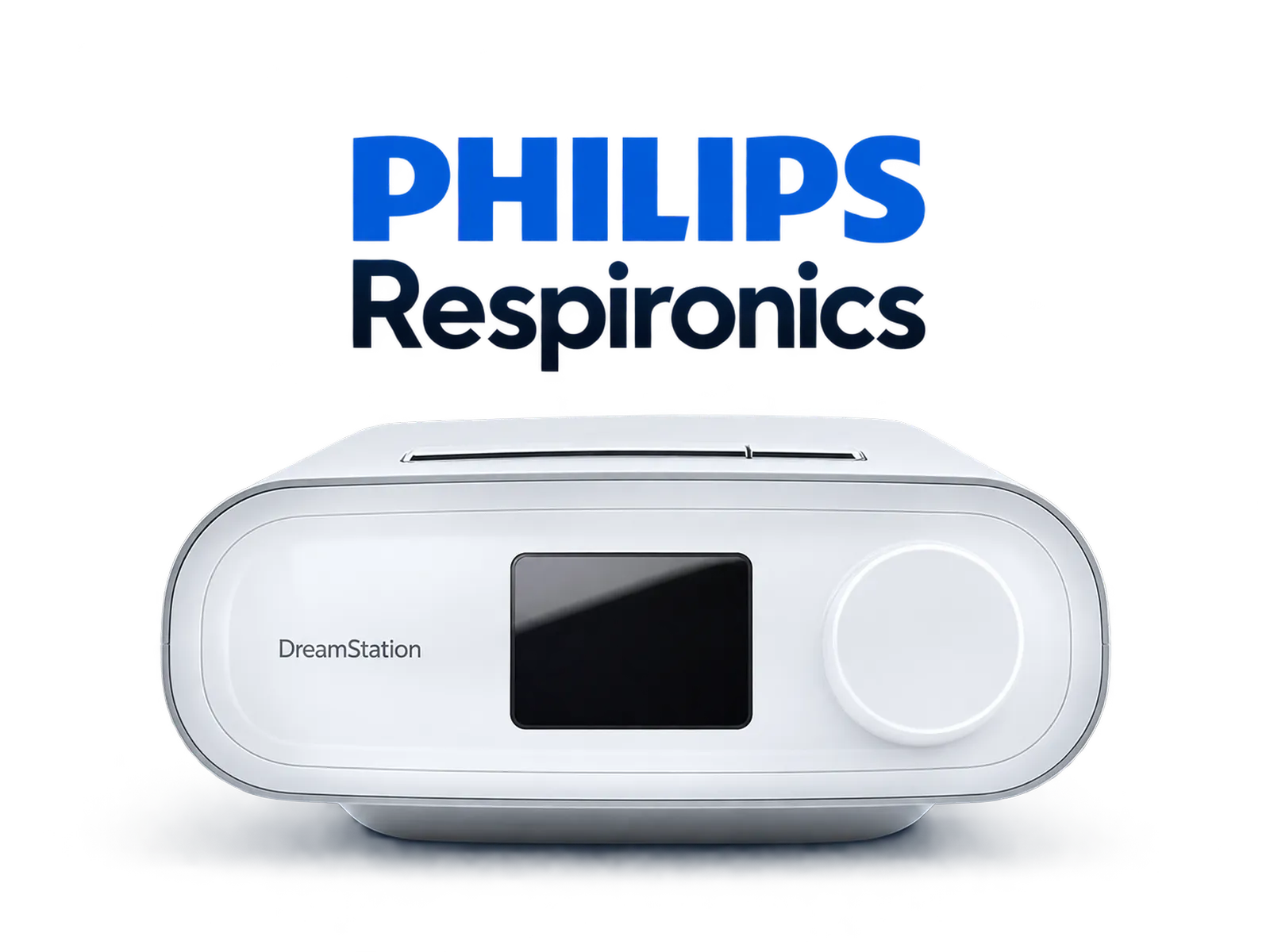
Support verified using real therapy data. The system supports data from the DreamStation family, among others.
Support confirmed → Official Philips Support CentreCPAP, APAP and BiPAP devices record therapy data on an SD card. CPAPAnalyzer recognizes a supported format and organizes the available information into clear results, trends and reports in one place.
CPAP devices differ in how they store data, so integration status is provided separately for manufacturers and models. Below, we distinguish support confirmed using real therapy data from integrations checked in a test environment.
Support verified using real therapy data. The system supports data from the DreamStation family, among others.
Support confirmed → Official Philips Support Centre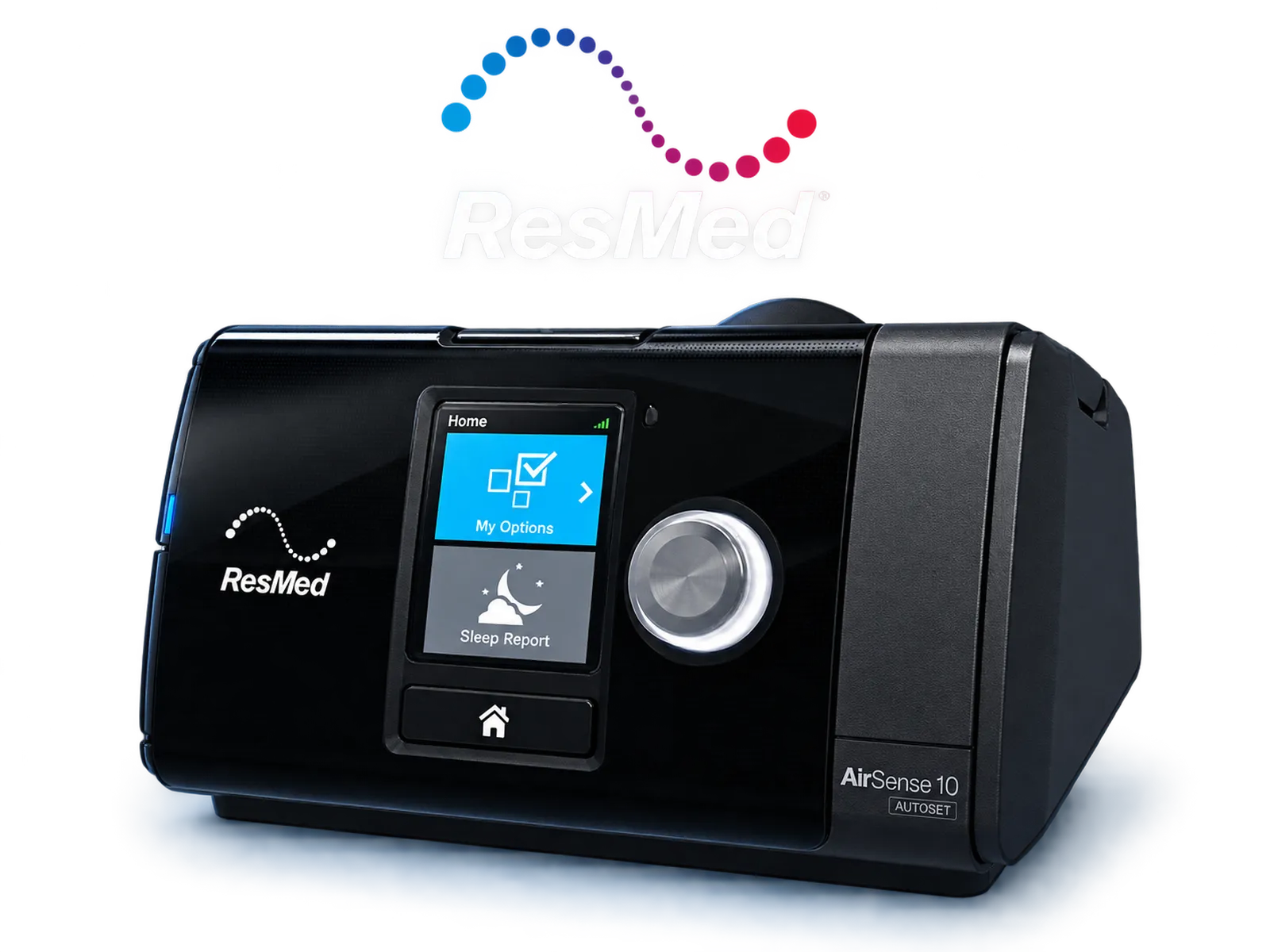
The integration has been technically prepared. Testing is being carried out using test data. Compatibility of a specific model requires verification using real data.
Integration status →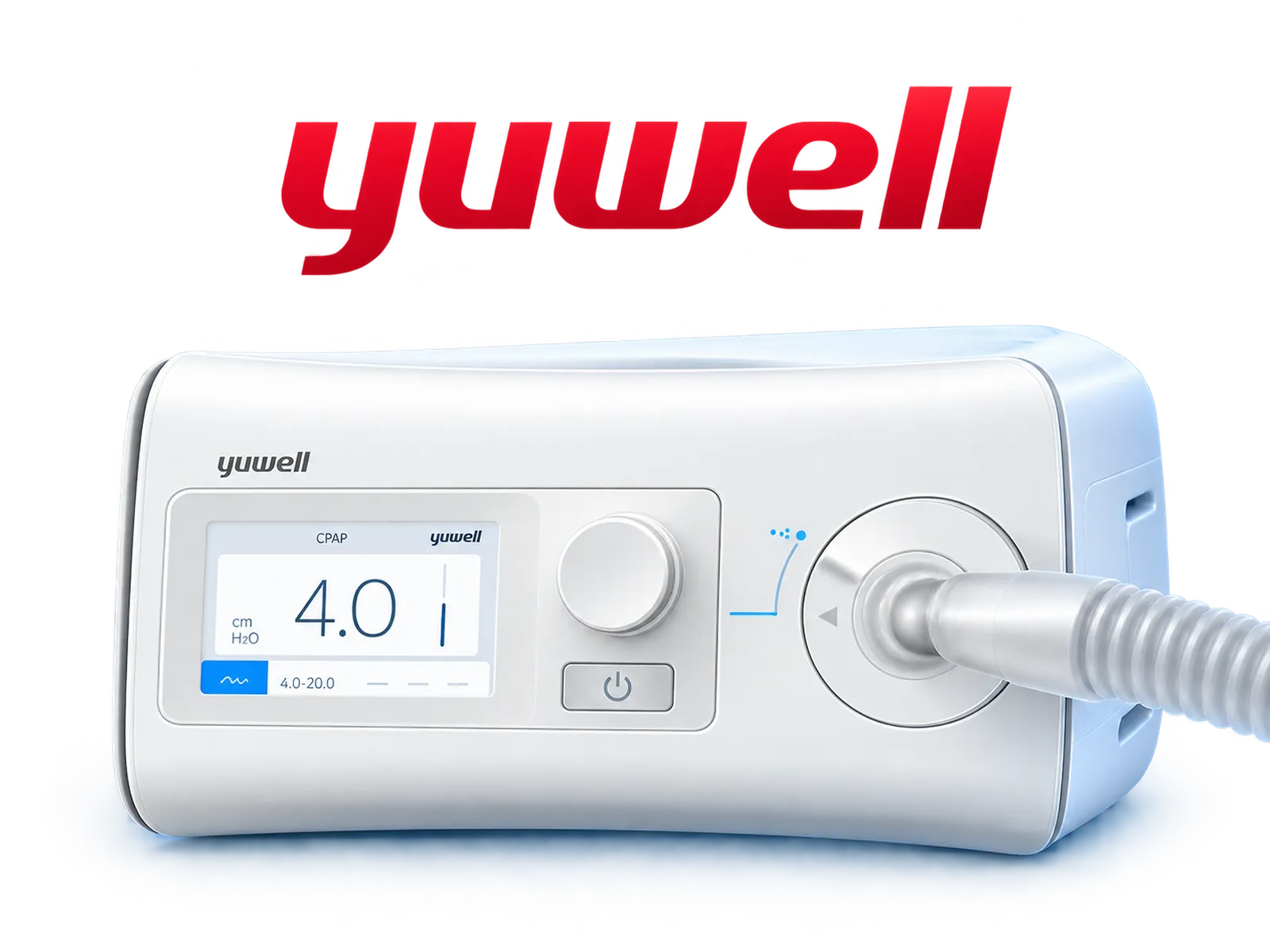
The parser has been prepared in the import system. The available range of results depends on the model and the information recorded by the device.
Integration status →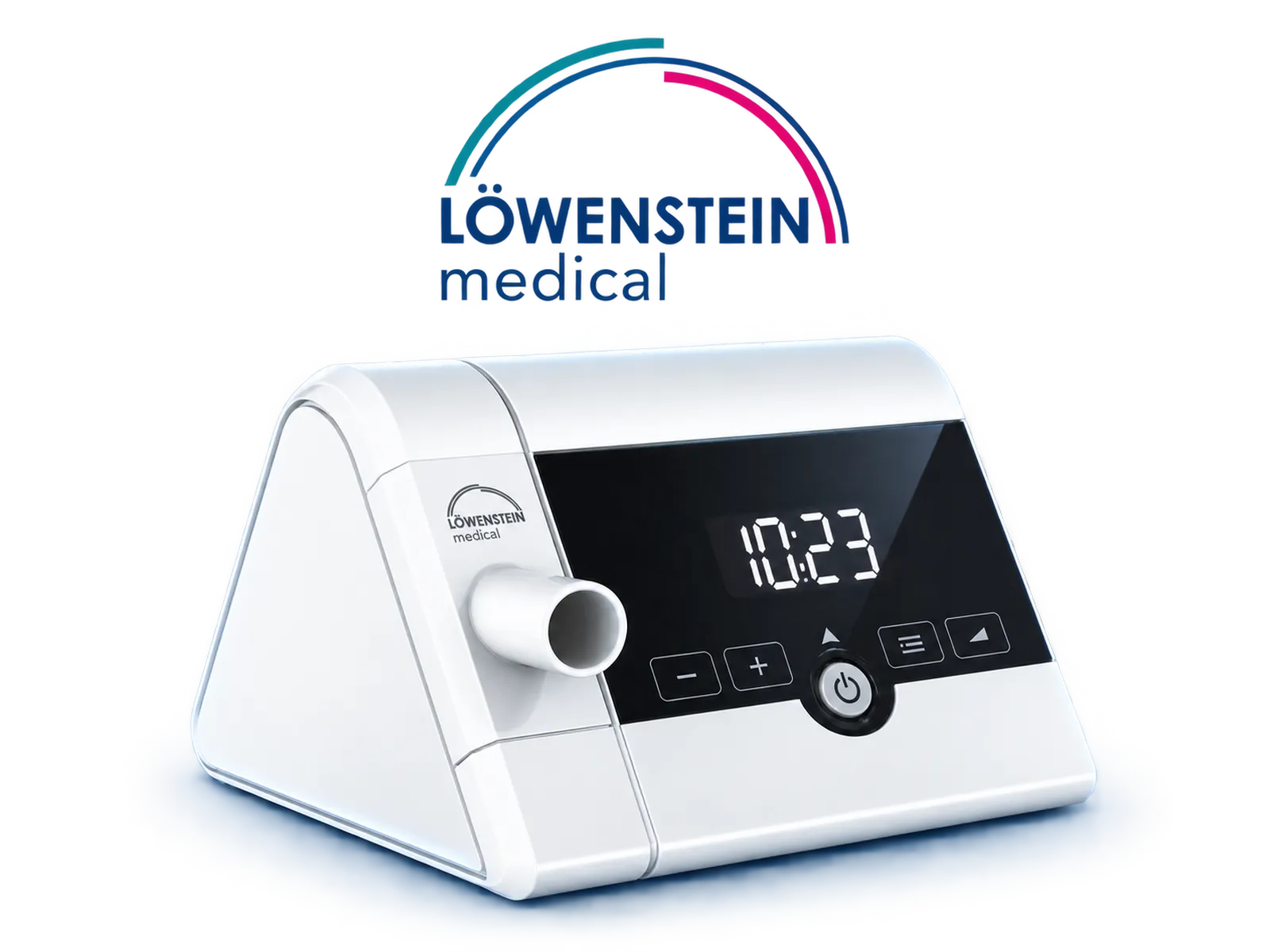
Support has been prepared in the system. Confirmation of compatibility for specific models requires verification using real data.
Integration status →The manufacturer's name alone is not always enough. Compatibility also depends on the device model, software version, the file structure stored on the SD card and the range of data that the device actually records during therapy.
Two devices from the same brand may store data in different formats. That is why, when checking compatibility, the full model name matters, not just the manufacturer's logo. For the Philips DreamStation family, support has been confirmed using real therapy data.
CPAPAnalyzer analyzes information recorded by the device. If the device does not record a specific parameter, the system cannot recreate it or replace it with an estimated value. The range of displayed results may therefore differ between manufacturers and models.
The “Confirmed” status means that support has been verified using real data. “Technical testing” means that the parser and import path are prepared, but compatibility of a specific device still requires verification using actual files from the SD card.
Provide the manufacturer, full model name and — if possible — information about the device version. This makes it easier to check whether the format is already supported, is currently being tested, or can be included in future stages of integration.
Manufacturers change data formats between device generations, and sometimes between software versions as well. That is why CPAPAnalyzer does not treat the manufacturer's name alone as a guarantee of compatibility for every model.
Before the first import, it is worth preserving the original SD card structure and not changing file or folder names. This makes it easier to correctly identify the manufacturer, model and available data range. If the import does not recognize the device, you can contact CPAPAnalyzer support and provide the exact device model and information about which files are stored on the card.
Supporting devices from a given manufacturer does not automatically mean compatibility with every model, firmware version and every historical file format. Some devices record a smaller set of parameters than others. CPAPAnalyzer does not fill in missing data with estimated values.
Contact us and provide the manufacturer and exact device model. We will check whether its data format is already supported or can be added to future testing.
Review your therapy history, trends and reports in CPAPAnalyzer.